Locked out of Phantom, the wallet with no reset button and no support line that can let you back in. Whether you get in comes down to one thing: whether you still have your 12-word Secret Recovery Phrase, a device where Phantom still opens, or the wallet file plus some memory of your password. This guide covers each route, and two mistakes that turn a recoverable wallet into a lost one: tapping ‘Forgot password’ before your phrase is written down, and entering your 12 words on any site that asks for them.
First, protect what you have
One wrong step can destroy your only route back in, so before you try to recover anything:
- Keep Phantom installed. Do not reinstall it, and do not uninstall the browser extension.
- Do not tap ‘Forgot password’ unless your 12 words are already written down. It wipes the wallet from the device.
- On a computer, copy your entire browser-profile folder to a USB stick. It contains the encrypted wallet file that a password recovery needs. In Chrome on Windows the folder is at %LocalAppData%\Google\Chrome\User Data\Default\Local Extension Settings\bfnaelmomeimhlpmgjnjophhpkkoljpa. The location differs by browser and system, but the folder named after the extension is the one to save.
How to recover your Phantom wallet
This is the main procedure. It works whenever you have your 12-word Secret Recovery Phrase, or a device where Phantom still opens.
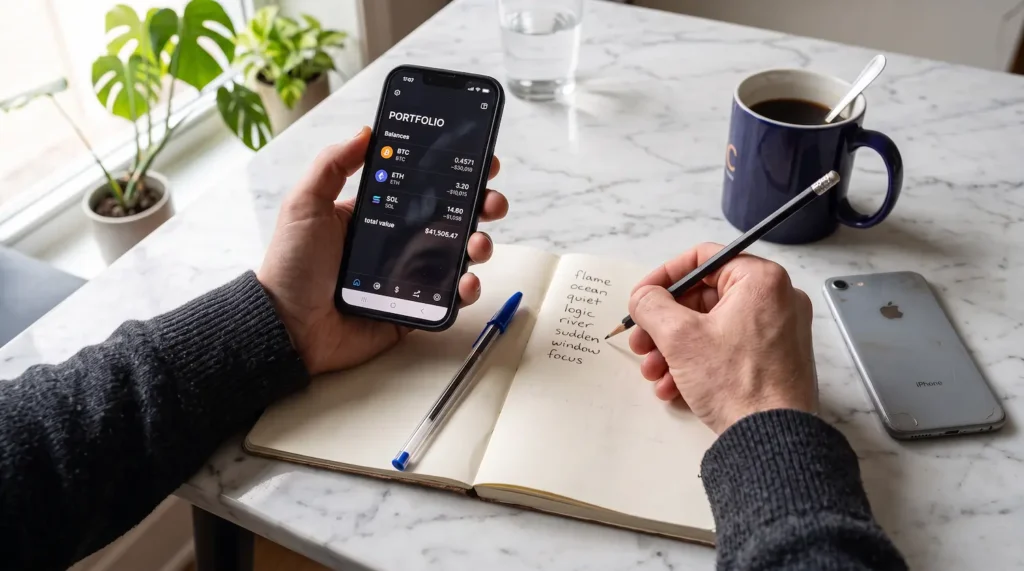
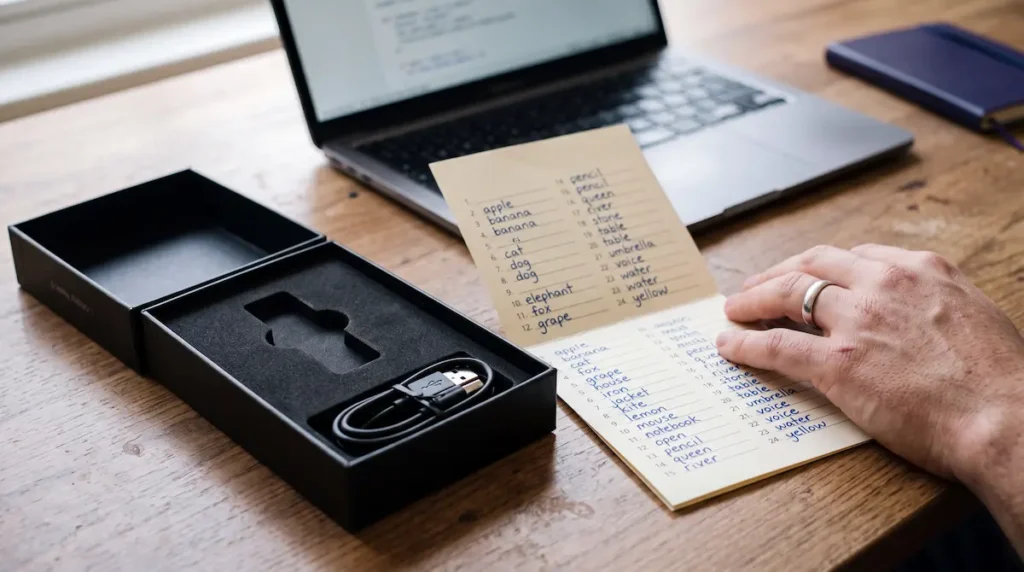
- Get your phrase in hand. If Phantom still unlocks on any device — a phone with Face ID or fingerprint, or an open extension — read the phrase from it: Settings > Security & Privacy > Show Secret Recovery Phrase, confirm with the prompt, and write all 12 words on paper in order. If you already have the words written down, or saved in an old email, cloud note, or password manager, use those. (A phrase recovered from email or the cloud counts as exposed — see the alternatives below before moving funds.)
- Reinstall Phantom from the official source. Go to phantom.com and type the address yourself. Do not follow a link from an advertisement, a search result you are unsure of, or a message.
- Start the import. Choose ‘I already have a wallet’, then ‘Import Secret Recovery Phrase’.
- Enter the 12 words in their exact order. Order matters; a single word out of place produces a different, empty wallet.
- Set a new password. It applies only to this installation, so choose one you will use and can remember.
- Add your accounts. Open the account list and add accounts until every balance you expect appears. One phrase can hold several accounts, and Phantom does not always show all of them on the first pass.
Phantom’s own restore guide on help.phantom.com is worth keeping open alongside these steps. Where their instructions and these differ, follow theirs.
Alternative steps for other situations
If the main procedure does not fit your case, find yours below.
You half-remember the password, and Phantom is still installed
If the installation survives, so does the encrypted wallet file, and a partly remembered password can be tested against it. Knowing the base word, a number pattern, or even the approximate length reduces the possibilities from effectively infinite to a range that specialized software can test at hundreds of thousands of attempts per second. This is the core of a professional password recovery: where technically possible, the password hash is extracted from the encrypted wallet file and every attempt is tested against that, so the recovery never needs your actual password. What it needs is the untouched wallet file (see “protect what you have” above) and whatever you remember about how you built passwords at the time.
You found the phrase in an old email or cloud backup
Import it using the main procedure above — the steps are identical. Then treat the phrase as compromised. Anything stored in an inbox or a synced note may have been read by someone else, so once you are back in, create a brand-new wallet and move every asset to it, then store the new phrase offline. Recovering access is only half the task; moving the funds onto a clean phrase is the other half.
Your accounts came from a connected Ledger
If you connected a Ledger to Phantom, Phantom never held those keys, so its 12 words will not restore them. The 24-word phrase from the Ledger is what recovers those accounts. This case is covered in full on our Ledger recovery page (/wallet-recovery/ledger/).
You have none of the above
If there is no phrase, no device where Phantom opens, no wallet-file backup, and no exported private key, there is nothing to rebuild. Before accepting that, search thoroughly first — the steps are under “Nothing survived” below.
What can go wrong
You restored, but the balance is zero
A zero balance almost never means the funds are gone. It usually means Phantom opened a different account from the one you funded, because the same 12 words derive many addresses and different wallet apps derive them along different paths. Look up your old receiving address on a public Solana explorer such as Solscan. If the balance is there, nothing has moved and the wallet is simply looking in the wrong place. Add more accounts from the same phrase, and if the funded address still does not appear, check whether the phrase belongs to a different wallet than you assume. People who also used Solflare, an exchange, or a second Phantom wallet often confuse which words belong to which funds.
Phantom rejects your phrase
A rejected phrase is often repairable. Every word comes from a fixed list of 2,048, and the phrase carries a checksum — a built-in mathematical check the final word must satisfy, which eliminates most incorrect combinations before anything else is tested. One unknown word leaves 2,048 candidates, a matter of seconds. Two leave about 4.2 million, still fast for specialized tools. All 12 words in an unknown order is roughly 479 million arrangements, and the checksum rejects 15 of every 16 before testing. Up to 4 missing words is realistic when the rest is known; beyond that, the search is no longer testable. Whatever you attempt, stay offline — a phrase entered into a website or a “seed checker” belongs to whoever runs the page.
Nothing survived
If a thorough search finds no phrase, no working installation, no wallet-file backup, and no exported private key, the wallet cannot be recovered. Search these places before you conclude that:
- Every email account, including sent mail and archived folders — search for the words together, and for “phantom”, “seed”, or “recovery phrase”.
- Photo libraries and screenshots, including phone backups.
- Cloud storage and synced notes (iCloud, Google Drive, Notes, OneNote).
- Password managers and secure notes.
- The downloads and documents folders of every computer you have used.
People turn up their phrase years after they stop looking. If it surfaces, restore with it, then move everything to a fresh wallet, since a phrase that has been stored online is exposed. If the search finds nothing, the 12 words exist nowhere but where you originally placed them, and no service can regenerate a fully lost phrase; anyone who claims otherwise is not being honest. The same applies to a drained wallet: blockchain transactions are irreversible, and a company offering to reverse one is describing something that cannot be done. We do not take stolen-crypto or scam cases; our work is access reconstruction for owners who still hold their funds. If your funds were stolen, report it to law enforcement — in the US, at ic3.gov.
Someone messages you offering to help
Being locked out makes you a direct target. Four patterns cause most losses:
- A message from “Phantom support” shortly after you post about the problem on X, Discord, or Reddit. Phantom support never messages first and never asks for your phrase.
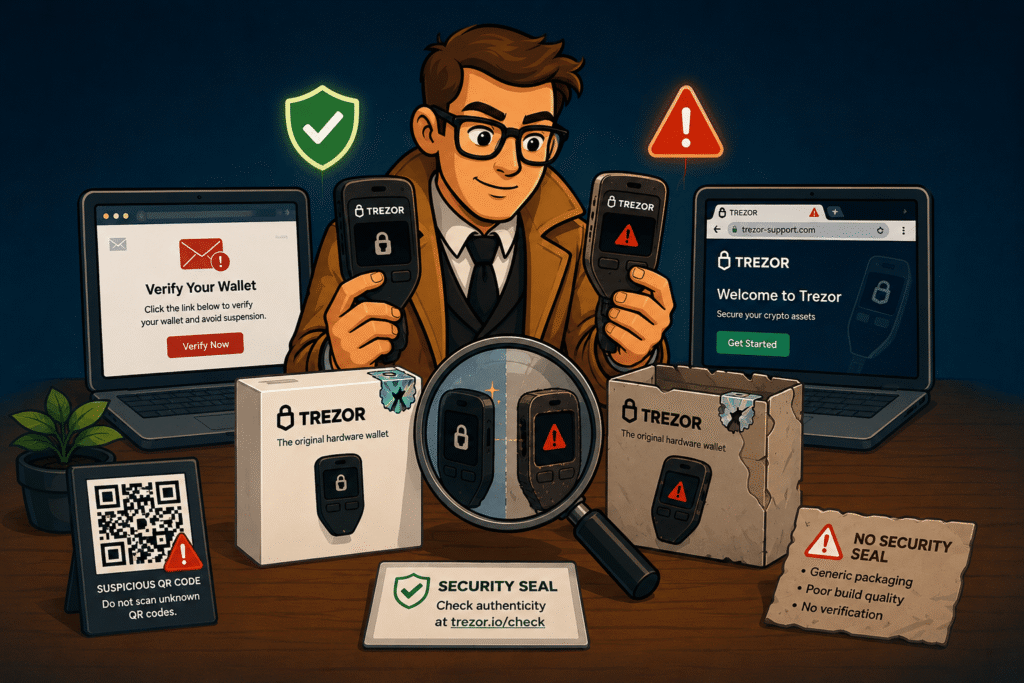
- A “validation”, “sync”, or “rectification” site that asks for your 12 words to fix the wallet. Entering them hands over full control immediately.
- An unknown token or NFT that appears in your wallet with a claim link attached. Do not open it; hide or burn the item in Phantom.
- A look-alike extension or app. Install only through phantom.com, typed by hand.
The wider patterns are covered in our guide to the warning signs of crypto scams (/blog/what-are-the-key-warning-signs-of-crypto-scams/).
Prevent this next time
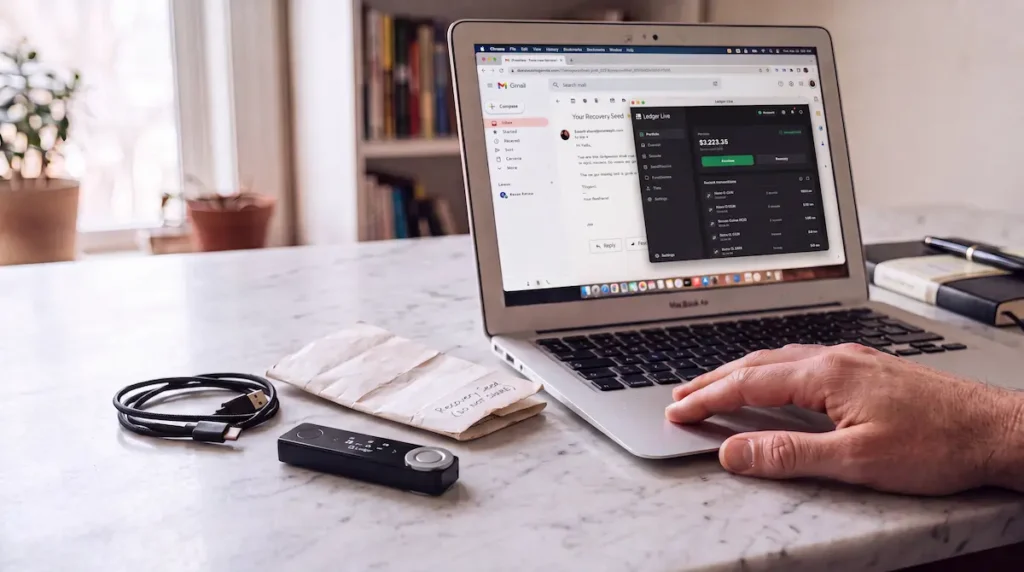
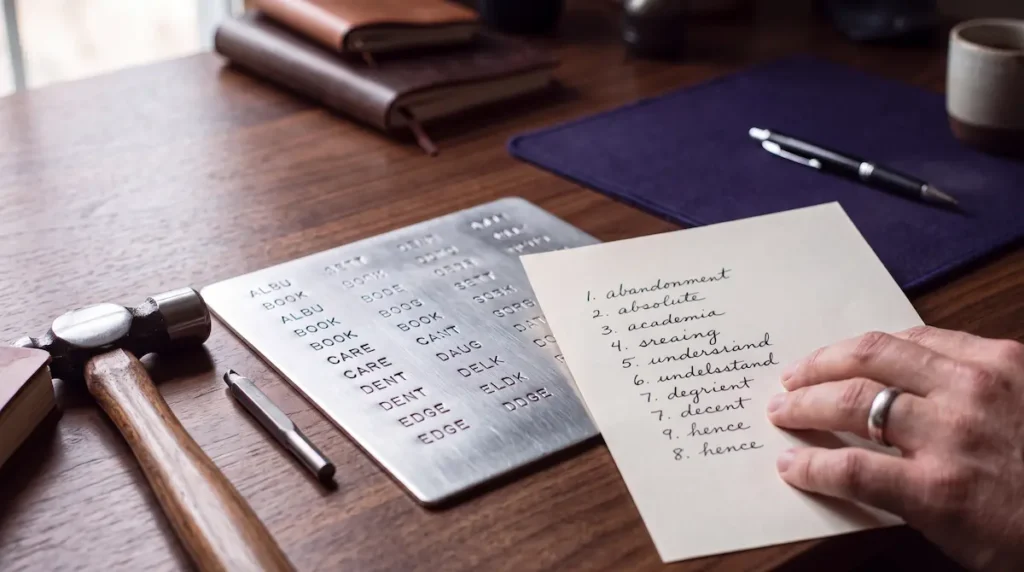
As soon as access is restored, reveal the phrase and back it up on paper or steel, in two copies kept in two places. Do not store it digitally — no screenshot, no cloud note, and no email to yourself. Email is the common mistake: an inbox is one password breach away from being read, and a phrase that is read is a wallet lost. A password can be forgotten safely once the phrase is secured. The phrase cannot.
If your situation involves a half-remembered password, a phrase with gaps or errors, or a wallet file on an old drive, Crypto Recovers offers a free assessment (/wallet-recovery/): describe what you have, and you will get an honest evaluation of whether reconstruction is technically viable, before any commitment and on a No Cure No Pay basis. The fee — 20% of the recovered amount, negotiable — applies only if the work succeeds. We never handle your crypto and have no way to access it: if recovery succeeds, you move the funds yourself to a new wallet you created, and you transfer the agreed percentage yourself at the handover, in person or on a live call with both parties present.